
Document reports and invoices in one app
xAnalyzer reads the details of a document, its metadata among them, into a report you can edit and export as a branded PDF. It also creates invoices from 30 templates and keeps a register of every one it exports.
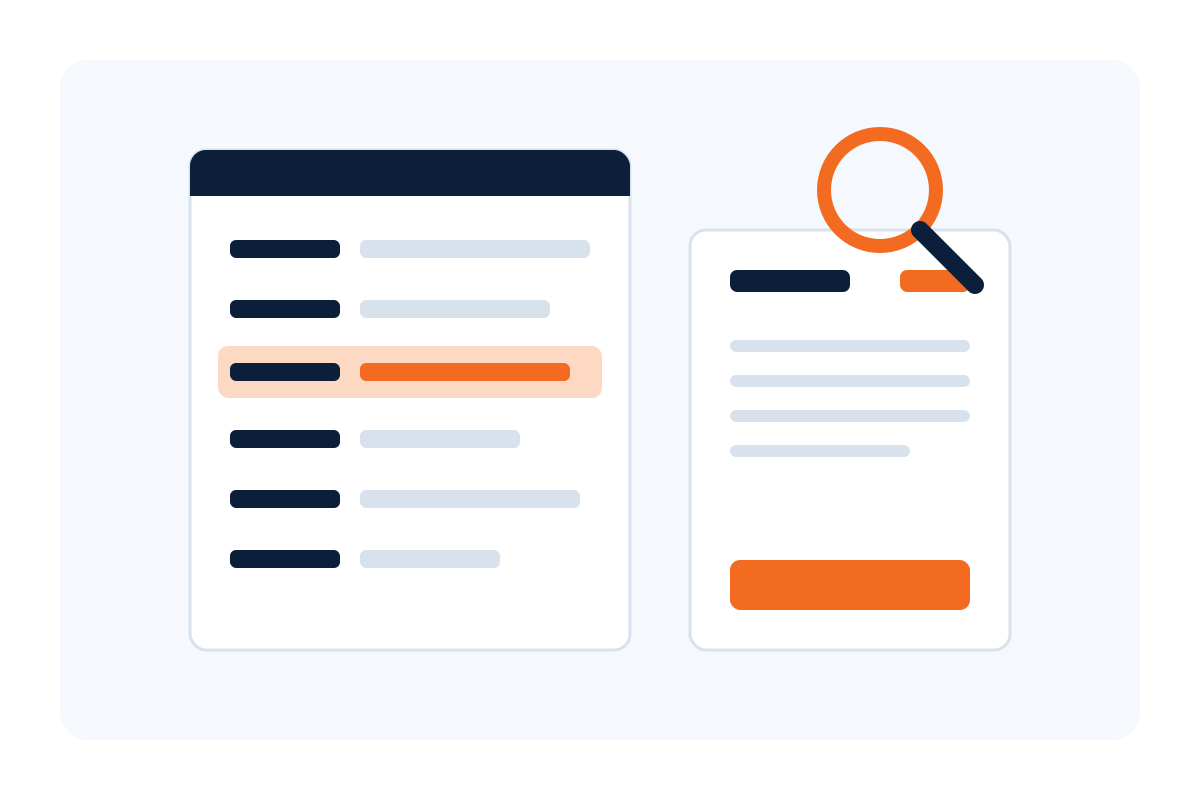
What xAnalyzer does
Two jobs in one app: reports on documents, and invoices.
Document reports
Each file you add becomes a report table of categories, attributes and values, in the order the files were added.
Edit like a spreadsheet
Change any value in place, add rows for what the document shows, and copy cells to and from Excel. Edits change the report, never the original file.
Branded PDF reports
Preview the report, export it as a PDF in the Xcelerate Brands template, and save the project to reopen and edit it later.
Invoices from 30 templates
Choose one of 30 designs and fill in the invoice beside a live preview. Your company profile, bank details, tax and next number are filled in for you.
Invoice register
Every exported invoice in one list. Search by number or client, filter by status or period, and see totals, outstanding and overdue amounts.
Clients and catalog
An address book for the Bill to section and a catalog of products and services for line items, both saved as you go.
On the desktop and on the web
The same engine in two places.
Desktop app for Windows
Both jobs, on the computer it runs on. Nothing is uploaded: every document, report and invoice stays there.
Web version
Invoices from the same 30 templates, uploaded invoice PDFs edited in place, and projects that group invoices, in one workspace the team shares.
One engine
Both use the same engine. On the web an uploaded PDF is read and edited on your own computer and never stored. Only invoices made in the app are saved.
Security
How the web version keeps accounts and documents safe.
Invitation only
There is no public sign-up: an administrator invites each person. The web version is not listed by search engines.
Two-step verification
A code from any authenticator app on top of the password, with ten single-use recovery codes. The administration area requires it.
Documents stay with you
Uploaded PDFs are read and edited in the browser and never stored, and an issued invoice cannot be changed by anyone.
How to get access
xAnalyzer is private. Accounts are by invitation, and there is no public sign-up.
Talk to our team
Tell the Xcelerate Brands team who needs xAnalyzer and what for.
We send an invitation
An administrator invites each person. The invitation link works once, for seven days.
Set up your account
Accept the invitation and choose your password. Two-step verification with an authenticator app is there for every account.